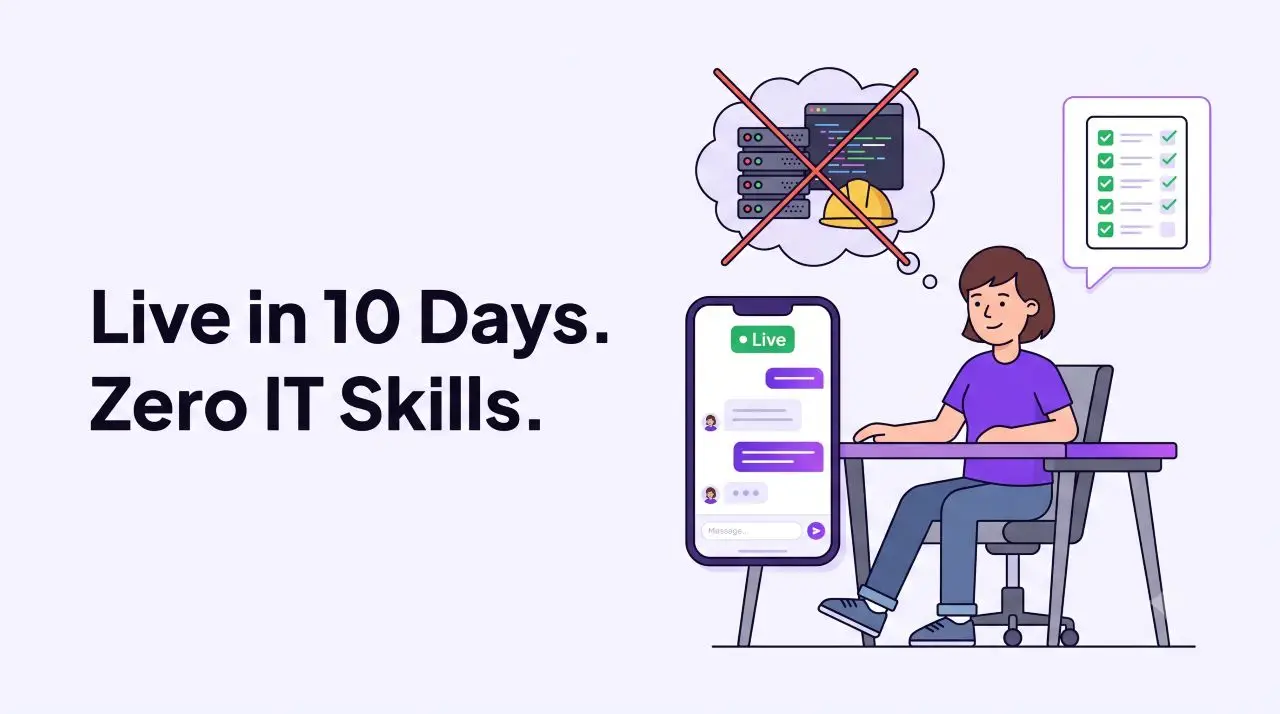
If you’ve been scared of applying AI in your business because you think it requires a development team, a big budget, or months of setup, this blog is specifically for you.
The Assumption That's Costing Businesses Time
I’ve spoken to a few business owner about AI Agents, the conversation always hit the same mental wall within the first 2 minutes. They all step back with folding arms and says almost the same thing: “This sounds useful, but we don’t an IT guy, maybe is not suitable for our business.”
I totally get their concerns where the history of business software always not that kind to SMEs. There are many real world examples that can be mentioned such as: ERP systems that took a year to implement; CRM platforms that required a consultant just to setup the contact fields; E-commerce migrations that turned into a six months project.
These scenarios make business owners created a very reasonable instinct: “it sounds like technical, assuming it will be expensive, slow, and painful to develop it.”
But nowadays that instinct is outdated and it’s causing businesses especially SMEs to leave a genuinely transformative tool on the table while competitors quietly picking it up.
The 10-Day Deployment of an AI Employee
Table below shows how exactly a typical AI Employee deploy under a business. Technical part will be leaving at the backend, just showing you the clear picture of what each stage involves and who does the work.
| Timeline | What Happens |
|---|---|
| Day 1–4 Train Your AI Agent | Prepare and feed AI with your product catalogue, pricing, FAQs, brand voice guidelines, and common customer scenarios. This will be the foundation of the AI, the more context you give it here, the sharper it performs from day 1. |
| Day 5–7 Configure Workflow Automation | Set up auto-tagging and categorisation rules, appointment reminder sequences, follow-up triggers, auto quotation logic, and branch/agent assignment routing via workflow. |
| Day 8–9 Internal Testing & Fine-Tuning | Test out the AI with real world scenarios that currently facing by your team. Also commit some extreme cases such as rude customers, off-topic questions, escalation paths. Adjust tone and response boundaries based on what you observe. |
| Day 10 Go Live | Connect your communication channels such as WhatsApp, Facebook Messenger, Instagram DM, and your webchat widget. Your AI Employee is now live and handling real inquiries. |
| Day 10+ Your Team Shifts Focus | Human staff stop managing repetitive enquiries and start managing relationship such as strategy, closing, and complex problem-solving. Your AI employee will in charge of the front line. |
What you actually need to do?
Here is exactly what is expected from your side during the deployment process:
What you DO:
✓ Write or paste your product/service descriptions, pricing, and FAQs
✓ Tell the AI your brand tone: either in formal, friendly, bilingual, etc.
✓ Define your workflow rules: to collect what type of info, when reminders go out
✓ Review test conversations and flag anything that needs adjustment
✓ Connect your existing channels (similar to connecting a social media account)
What you DON'T DO:
✗ Write a single line of code
✗ Configure servers, databases, or APIs from scratch
✗ Brief an IT team or hire a developer
✗ Wait months to see if it works before committing
✗ Sign a long-term contract before going live
What Happens After Day 10
After Day 10 will be the part that most people underestimate. The deployment itself is the straightforward part, but the real magic happens when the AI meets real customers. No matter how thorough the development phase is, live traffic will always bring unexpected questions and unique customer scenarios.
That is why the period start from Day 10 and within a month are the most critical. It’s a dedicated period for monitoring, fine-tuning, and stabilizing the AI based on real-world interactions, leveling it up from a basic assistant to a flawless digital worker.
However, from Day 10 onwards, your AI Employee is:
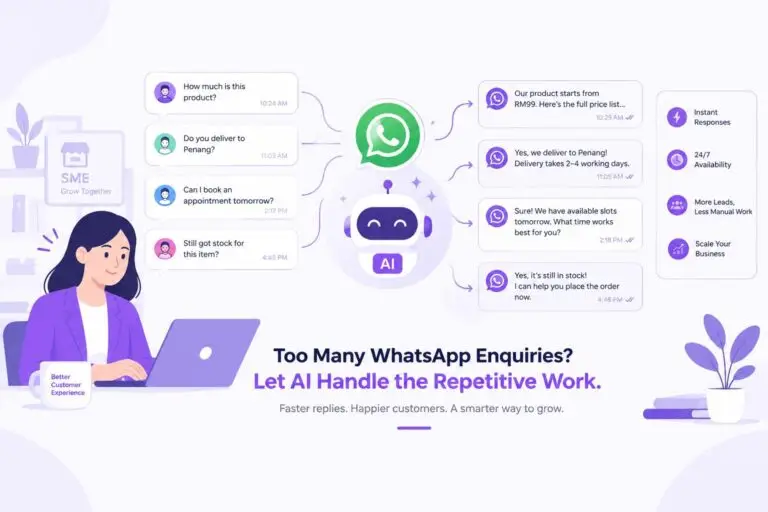
- Handling every first-touch customer inquiry such as WhatsApp, Facebook, Instagram, website chat simultaneously, regardless of volume or time of day.
- Auto-tagging and categorizing every conversation so your team has a clean, structured lead list every morning instead of chaotic chat in WhatsApp.
- Collecting customer information and storing it in your database automatically, with no manual data entry.
- Sending appointment reminders and follow-up messages on schedule, no one need to remember.
- Generating quotations for product or service inquiries instantly, even at 2am during a payday sale.
- Assigning conversations to the preferred branch or agent based on the nature of the inquiry
- Auto pm Facebook Live comments in real-time so no lead scrolls past unanswered
On the other hand, your human team is not being replaced, they just get to stop handling those repetitive questions, sorting customers, copy and paste customer info into Google Sheets everyday.
Instead, they can focus on work that truly drives value for company such as closing deals, building deeper customer relationships or creating effective marketing campaign.
Conclusion
In a nutshell, the only barrier of having an AI employee for your company is just getting started. I’ve helped a lot of business owners go though the whole process. The businesses that get results the fastest are not having the most experienced tech guy. They are the ones who understand well on their own operations inside out such as their customers, their common questions, their pain points.
We handles the technical layer, while you just provide us the business information, services, pricing, your goals. This combination is what makes the AI employee genuinely fit and useful on your business rather than just functional.
10 Days is a realistic timeline and not required any tech team in your company, no need thousands of setup fee, no contract to sign to get started.
The question at this point is not whether your business can deploy an AI Employee. It’s how much longer you’re willing to wait while your competitors do.
Want results like this for your business?
Book a free demo and see how AI-yo can transform your customer experience.
💬 Book a Free Demo
1 Comment
[…] a developer. This is the same Zero IT Skills Required principle covered in our previous post on How to Deploy an AI Employee in 10 Days. The rules are configured once, through our experienced team, and then they run on their […]